
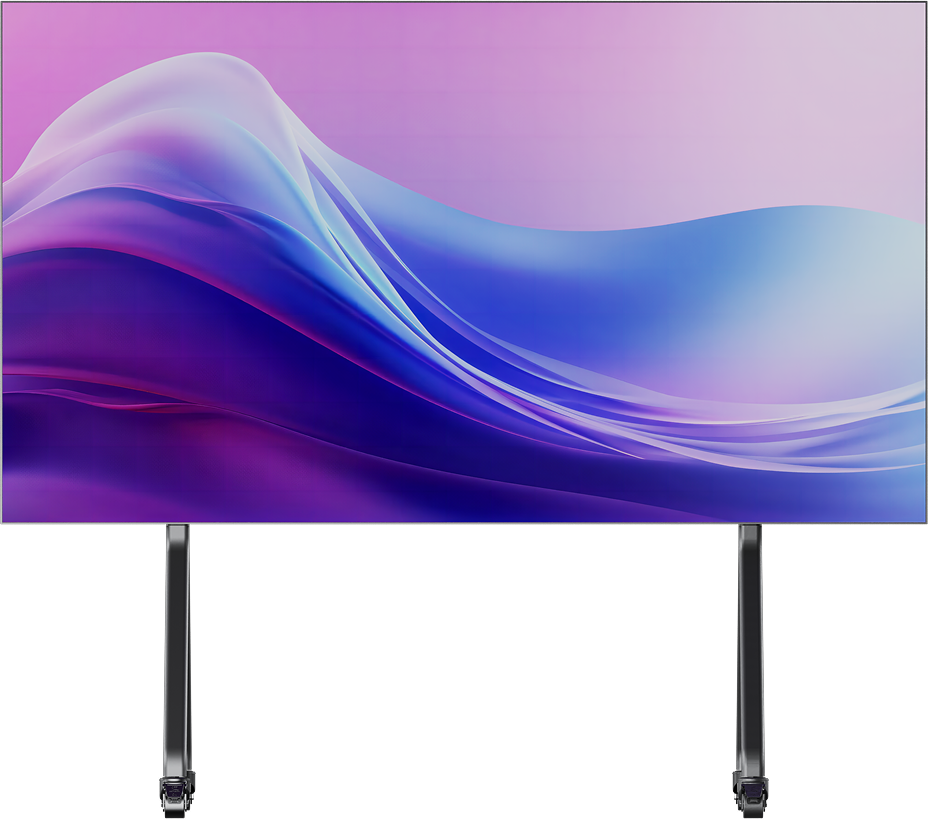
All-in-One Conference & Meeting LED Displays
Compare integrated LED displays for conference rooms, classrooms and shared meeting spaces. Check readability from the back row and choose the mounting, touch or folding configuration your room needs.
Discuss your projectCompare series
Values vary by model. Open a series to check the specifications for each configuration.
| Series | Pixel pitch (mm) | Brightness (cd/m²) | Packaging / protection | Service access | Best for |
|---|---|---|---|---|---|
| SHINELINK FRAMELESS | Not specified | ≤550 / ≤600 | COB | Front | Presentation rooms |
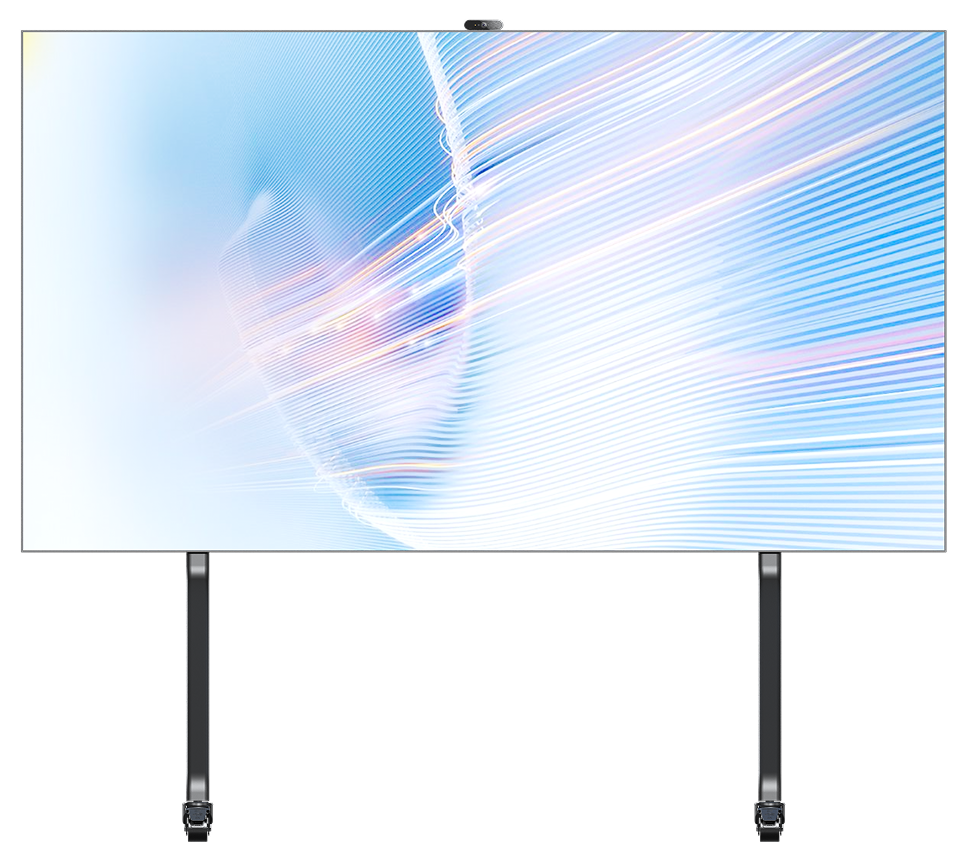
| SHINELINK AI | Not specified | ≤550 / ≤600 | COB | Front | Wireless presentations |
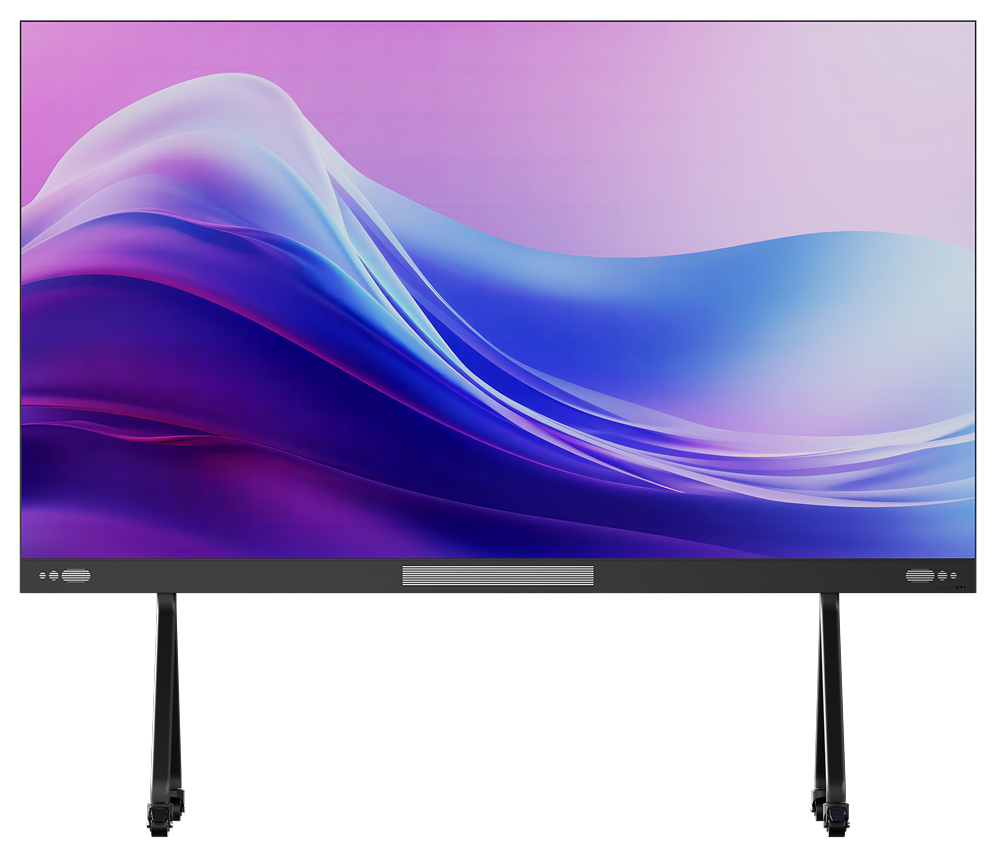
| SHINELINK PLUS | Not specified | ≤600 | COB | Front | Conference rooms |
| SHINELINK AIR | Not specified | ≤600 | COB | Front | Slim meeting room installations |
| SHINELINK FOLD | Not specified | ≤600 | COB | Front | Shared meeting spaces |
| SHINELINK TOUCH | Not specified | ≤600 | COB | Front | Interactive whiteboarding |
Explore the series
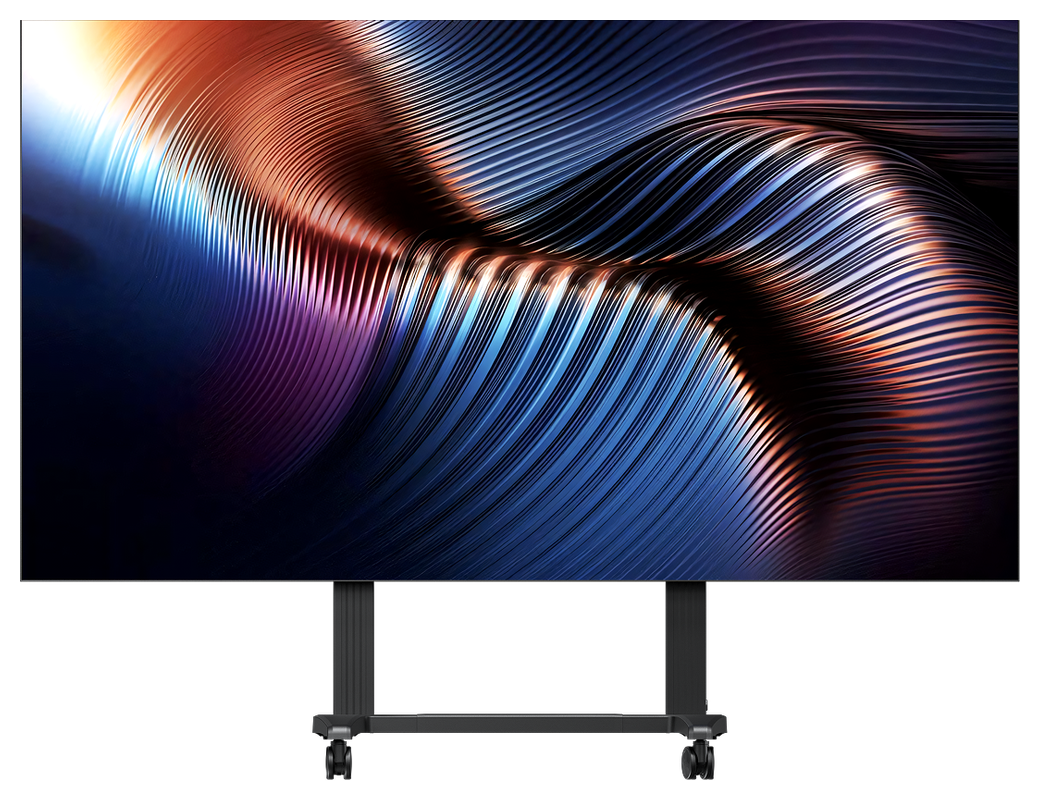
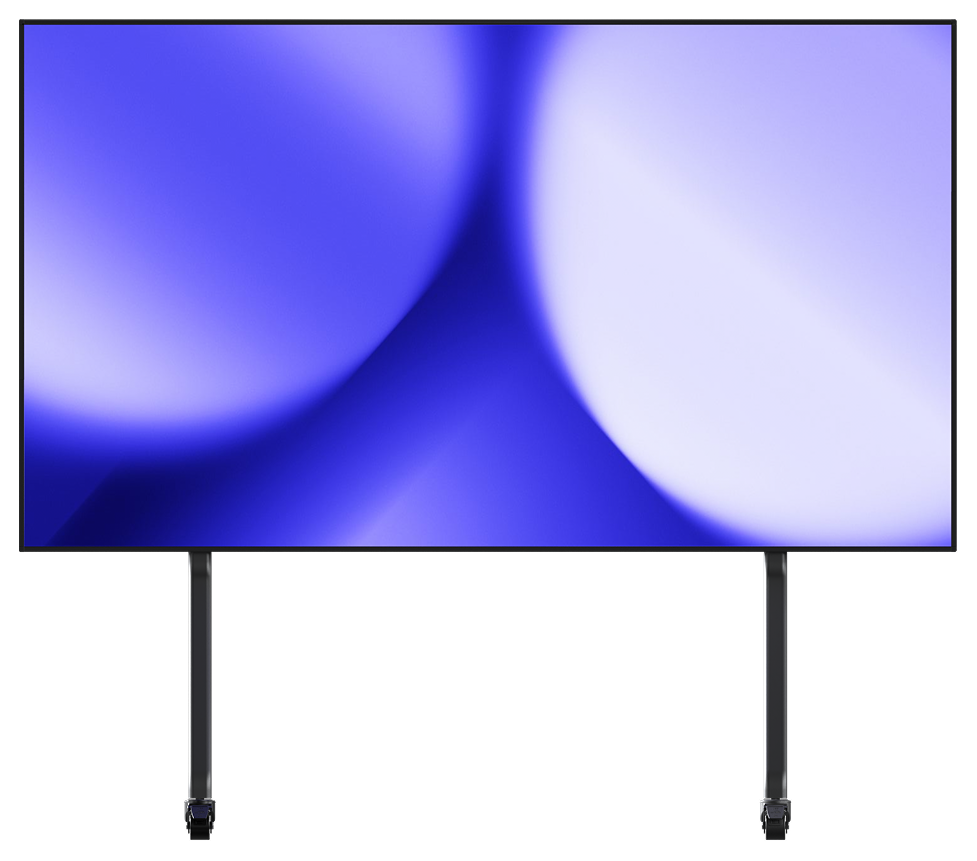
Selection guide
What size works in a meeting room?
Use the smallest text on a typical slide and check it from the furthest seat. Then confirm wall space, mounting height and sightlines.
Which model supports whiteboarding?
ShineLink Touch supports 20-point touch and whiteboard mode. Allow space in front of the display for presenters.
Can a screen move between rooms?
ShineLink Fold folds for transport. Check lift dimensions, doorway width and the route between rooms before ordering.